When the Paramount Plus app isn’t working, it can disrupt your streaming experience. Paramount Plus offers a wide variety of content, but like any streaming service, it may face technical difficulties. Common issues include loading problems, error messages, or trouble signing into your account. Fortunately, most problems have simple fixes, ranging from checking your internet connection to updating the app.
Troubleshooting these issues is often straightforward. For instance, restarting your device or app can resolve many common glitches. Ensure your app is up-to-date, as outdated versions can lead to performance problems. Additionally, checking your subscription status might be necessary if you’re encountering issues related to content access.
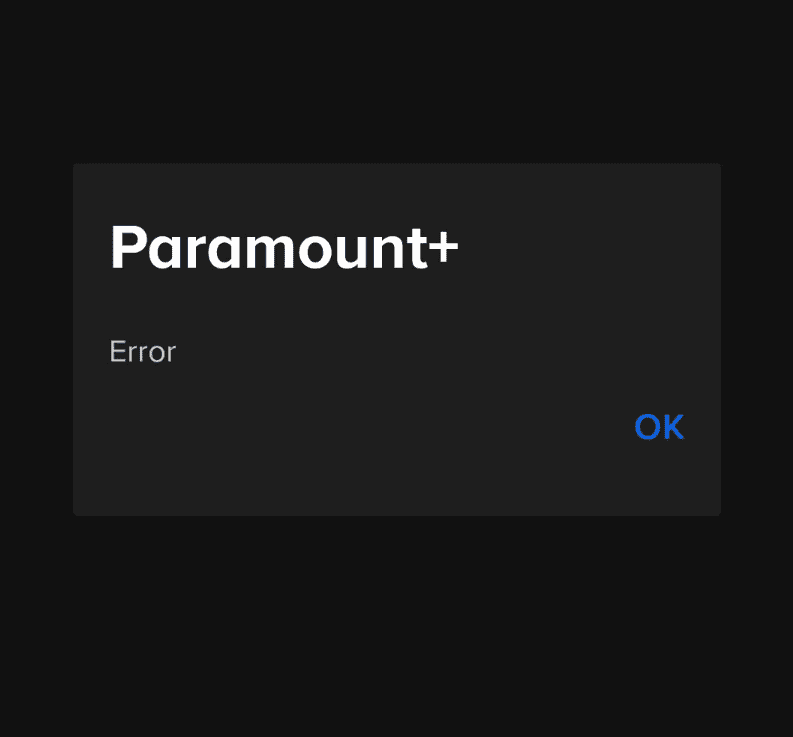
Sometimes the Paramount Plus app throws a fit and refuses to work. Here are some things to try and get those shows streaming again:
Paramount Plus Error Codes and Resolutions
General Troubleshooting Tips for Paramount+ Errors
Disclaimer:This table provides general solutions for common Paramount+ error codes. If you encounter an error code not listed here or the suggested solutions do not work, please contact Paramount+ support for further assistance.
Basics First
If That Doesn’t Help
Still Nothing? Try This
Need More Help?Paramount Plus has a help section on their website with device-specific troubleshooting guides.
Key Takeaways
Troubleshooting Common Paramount Plus App Issues
When the Paramount Plus app stops working, it can be due to various factors. Understanding how to tackle each issue can quickly restore your viewing experience.
Checking Internet and Device Connectivity
Issues with the Paramount Plus app are often related tointernet and device connectivity. Verify your internet connection by performing aspeed test. If speeds are low, restart yourmodemandrouter. ForWi-Fi connections, ensure the signal is strong. If streaming on a phone or tablet, try switching from Wi-Fi to mobile data or vice versa to check if there’s an improvement.
Resolving App-Specific Problems
The app might freeze or crash due to problems within the app itself. First,force-closethe app and start it again. Clearing thecacheandcookiescan also help, as these can cause the app to slow down or freeze. If the problem persists, check theapp storefor your device (Google Play for Android, App Store for iOS) for any available updates, as outdated apps might not function properly.
Optimizing Device and App Compatibility
Make sure your device meets theminimum system requirementsfor the Paramount Plus app. Update your device’soperating systemif it’s outdated. Compatibility extends to browsers for those streaming via a web browser likeChrome,Firefox,Edge, orSafari. Anapp updatemight be needed if you’re using smart devices such asRoku,Apple TV,Android TV, orFire TV. Regular updates can resolve crashes or issues with loading and streaming content.
Common Paramount Plus Error Codes
Here’s a table of common Paramount Plus error codes and their meanings. Note: This list isn’t exhaustive, and new error codes may appear as the service evolves.
Important Notes:
Content Access and Subscription Management
When Paramount+ won’t load or a black screen appears, viewers need clear, easy steps to get back to their movies and TV shows. Here’s how to handle problems with content delivery and manage account issues.
Handling Streaming and Content Delivery Issues
If you see a black screen or the Paramount+ app keeps freezing or crashing, check for an app update. Outdated apps can cause streaming problems. For those using web browsers to watch CBS and other shows, make sure JavaScript is enabled as it’s essential for video content. Sometimes, tracking protection or ad-blocking extensions can disrupt service. You can turn these off to see if it helps. If you’re experiencing an outage, it may be a service-wide issue, in which case waiting it out is the best course of action.
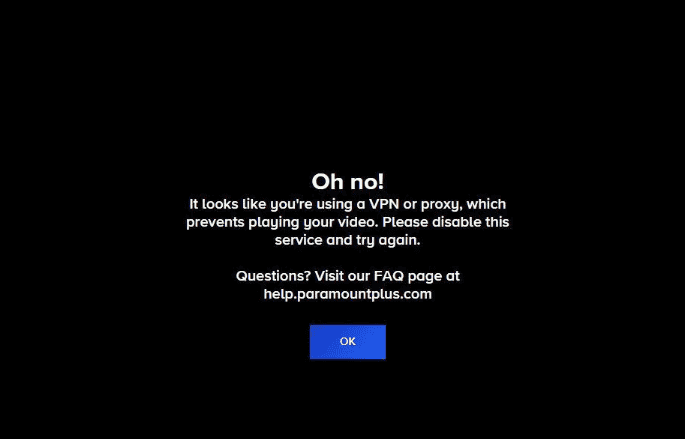
For device-specific concerns like Paramount+ not working on Firestick or Roku, restart the device. Unplug it, wait a minute, plug it back in, and relaunch the app. If issues persist, checking your internet connection can rule out connectivity as the culprit. If you use a VPN or proxy, try disabling them. Sometimes these interfere with streaming services. If all else fails, customer support is there to help.

Account and Subscription Challenges
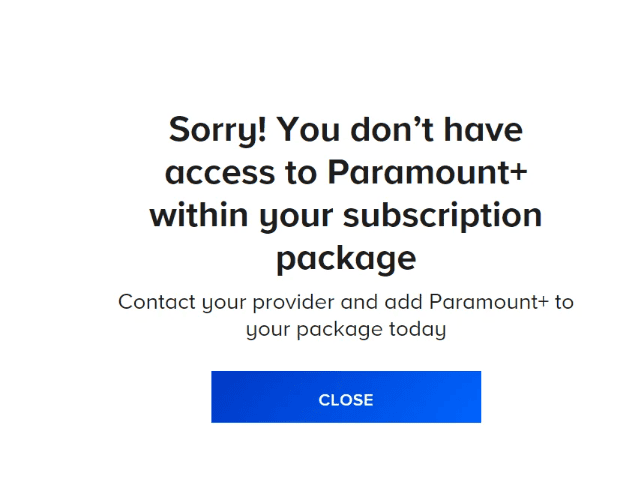
Managing your subscription should be straightforward. If you can’t access your account, start by resetting your password. This simple step often resolves login problems. Make sure your subscription hasn’t expired and that your payment method is up to date.
When changes to your account aren’t reflecting, a simple sign-out and sign-in can refresh your access. For deeper account issues, the Paramount+ help center provides step-by-step guides. Keep an eye on this resource during large-scale service hiccups, as the team will post updates there. Remember that support agents are trained to handle these situations and can assist with everything from billing questions to subscription adjustments.
Frequently Asked Questions
Many viewers face common issues with streaming services that can often be resolved through straightforward solutions. This section provides answers and steps for the most typical problems users encounter with the Paramount Plus app on various devices.
Why am I experiencing issues with Paramount Plus on my smart TV?
Smart TVs occasionally have trouble with apps due to outdated software or app glitches. To fix this, check for any available updates for your smart TV’s firmware or the Paramount Plus app itself. Sometimes restarting your TV helps.
How can I resolve the app failure on my Samsung TV?
For the Paramount Plus app not working on a Samsung TV, first attempt to restart the TV. You might also need to reset the smart hub. Go to the TV’s settings menu, find the smart hub option, and follow the prompts to reset it.
What steps should I take if Paramount Plus is not functioning on my Firestick device?
If Paramount Plus isn’t working on your Firestick, ensure the Fire TV’s operating system is updated. Restart your device by unplugging it for a minute and also reset your network by unplugging the modem and router for a brief period.
Are there any known streaming issues with Paramount Plus today?
you may check for any current issues with Paramount Plus by visiting their official website or social media pages. They often report known problems and provide updates on fixes there.
What can I do if Paramount Plus is not operating correctly on my iPhone?
Make sure your iPhone’s iOS is updated. You can also attempt to restart the Paramount Plus app by closing it from the app switcher and reopening it. If that doesn’t work, restarting your iPhone might resolve the issue.
What troubleshooting methods are available for Roku when Paramount Plus fails to work?
Trouble with Paramount Plus on Roku can often be fixed by restarting your Roku device. Go to ‘Settings’, then ‘System’, and select ‘System restart’. Alternatively, you could unplug the Roku from its power source for a short time to refresh its connection.
Why does Paramount Plus keep saying error?
Paramount Plus errors can occur for various reasons, including:
Whare AreTroubleshooting TipsFor The Paramount App?
If you continue to experience errors after trying these steps, contacting Paramount Plus support is recommended for further assistance.
How Do You tell if Paramount Plus is having issues right now?
You can check if Paramount Plus is experiencing issues by:
If you’re still unsure, try accessing Paramount Plus on a different device or network. If you can’t access it from multiple locations, it’s likely there’s a broader issue.
Why is Paramount Plus not working?
Paramount Plus might not be working due to a variety of reasons, including:
To troubleshoot, follow the tips mentioned above for checking your internet connection, updating the app and your device, clearing cache and data, and restarting your device. If the problem persists, try accessing Paramount Plus on a different device or contacting customer support.
Why am I getting a playback error on Paramount Plus?
Playback errors on Paramount Plus can occur for several reasons, such as:
Troubleshooting playback errors involves checking your internet connection, disabling ad blockers or browser extensions, updating your app and device software, and trying a different device or browser. If the issue persists, contact Paramount Plus support for further assistance.
Why does Paramount Plus keep saying “oops, something went wrong”?
The “oops, something went wrong” error on Paramount Plus is a general error message that can indicate various underlying issues. Some possible causes include:
To resolve this error, try the following:
Remember to provide specific details about the error, such as the error code (if any) and the steps you’ve already taken to troubleshoot, when contacting support.
Why does Paramount Plus keep freezing on Smart TVs?
Paramount Plus freezing on Smart TVs can be frustrating. This issue usually stems from:
Causes Of paramount plus freezing Issues
Paramount Plus freezing indicates playback pauses abruptly while streaming content. This can be due to:
paramount plus error code 6000 Resolution
Paramount Plus error code 6000 typically signals an issue with your account or subscription. Try these solutions:
paramount plus black screen Problem
A black screen on Paramount Plus can be caused by:
What To Do If paramount plus Is glitchy
Glitchy playback on Paramount Plus, such as stuttering or visual artifacts, can be due to:
paramount plus buffering issues
Buffering issues on Paramount Plus mean frequent pauses in playback while the video loads. This is often caused by:
issues With The App On firestick
Paramount Plus issues on Firestick can include problems with:
paramount plus invalid token Warning
An invalid token error on Paramount Plus means your login session has expired or become corrupted. Try:
paramount plus error code 6013 Fixes
Paramount Plus error code 6013 suggests a problem with the app or device configuration. Try:
paramount plus Constant buffering Problem
Paramount Plus buffering is when playback pauses frequently to load more video data. This can be caused by:
how many devices Can You Have On Paramount Plus?
Paramount Plus allows simultaneous streaming on up to three devices. This means you may watch content on three different screens at the same time using the same account.
how to cancel paramount plus
To cancel Paramount Plus, follow these steps:
How To Activate A paramount plus Account
To activate Paramount Plus on a new device:
How To Delete Your Paramount Plus account
To delete your Paramount Plus account:
Remember:Deleting your account will permanently remove your profile, viewing history, and any saved content.
